

This page contains Amazon affiliate links, which means we may earn a small commission at no additional cost to you if you make a purchase through those links.
Data drives modern decision-making. Whether you are conducting applied research, preparing a data visualization, analyzing a marketing campaign, or building insights for a public relations strategy, the right tools can transform raw information into meaningful conclusions.
For students and professionals alike, data analysis tools make it easier to organize datasets, identify patterns, calculate statistics, and visualize results through charts and graphs. These tools support everything from survey research and usability testing to market research, strategic communication analytics, and business intelligence reporting.
Today’s software ecosystem includes everything from simple spreadsheet tools to sophisticated statistical analysis platforms, machine-learning environments, and business intelligence dashboards. Some tools are designed for beginners who want drag-and-drop visualization, while others offer advanced programming capabilities for complex modeling and predictive analytics.
This guide explores the best data analysis tools for students and professionals, highlighting their strengths, typical use cases, and the types of projects they support. Whether you are creating bar charts and scatter plots, conducting descriptive statistics, analyzing survey data, or building interactive dashboards, these platforms provide powerful solutions.
What Are Data Analysis Tools?
Data analysis tools are software platforms used to collect, clean, organize, analyze, and visualize data. They help transform raw numbers into insights that inform decision-making.
These tools support many tasks commonly used in communication research, business analytics, and social science research, including:
- Cleaning and preparing datasets
- Calculating descriptive statistics such as mean, median, and standard deviation
- Running statistical tests and regression models
- Conducting survey analysis and market research
- Creating data visualizations like bar charts, line charts, treemaps, and scatter plots
- Building interactive dashboards and reports
- Performing predictive analytics and machine learning
For students, data analysis tools support assignments such as:
- survey research projects
- data visualization assignments
- usability testing analysis
- participant observation data summaries
- market research reports
For professionals, these tools help organizations understand customers, evaluate performance, and guide strategic decisions.
Types of Data Analysis Tools
Most modern data analysis platforms fall into several broad categories.
Spreadsheet Analysis Tools
Spreadsheet software is often the first place students encounter data analysis. These tools allow users to organize datasets and run calculations using formulas.
Common capabilities include:
- sorting and filtering data
- pivot tables
- summary statistics
- chart creation
- basic forecasting
Spreadsheet tools are widely used in business communication, project management reporting, and marketing analytics.
Examples include:
- Excel
- Google Sheets
Statistical Analysis Software
Statistical platforms are designed for more advanced research and data modeling. They allow users to conduct sophisticated analyses, including:
- regression analysis
- hypothesis testing
- ANOVA tests
- correlation analysis
- multivariate modeling
These tools are widely used in academic research, social science studies, and applied communication research.
Examples include:
- SPSS
- R
- SAS
Data Visualization Tools
Visualization platforms focus on presenting data clearly using charts, dashboards, and infographics.
These tools help users create:
- bar charts and stacked bar charts
- line charts and step charts
- scatter plots and bubble charts
- treemaps and sunburst charts
- interactive dashboards
They are particularly valuable for data storytelling, strategic communication reports, and executive presentations.
Examples include:
- Tableau
- Datawrapper
- Power BI
Programming-Based Analysis Tools
Some data analysis tools use programming languages to manipulate and analyze large datasets.
These platforms allow users to:
- automate analysis
- build machine learning models
- process large datasets
- perform advanced statistical modeling
Examples include:
- Python
- R
Best Data Analysis Tools for Students and Professionals
Below are some of the most widely used tools across education, business analytics, and communication research.
Microsoft Excel
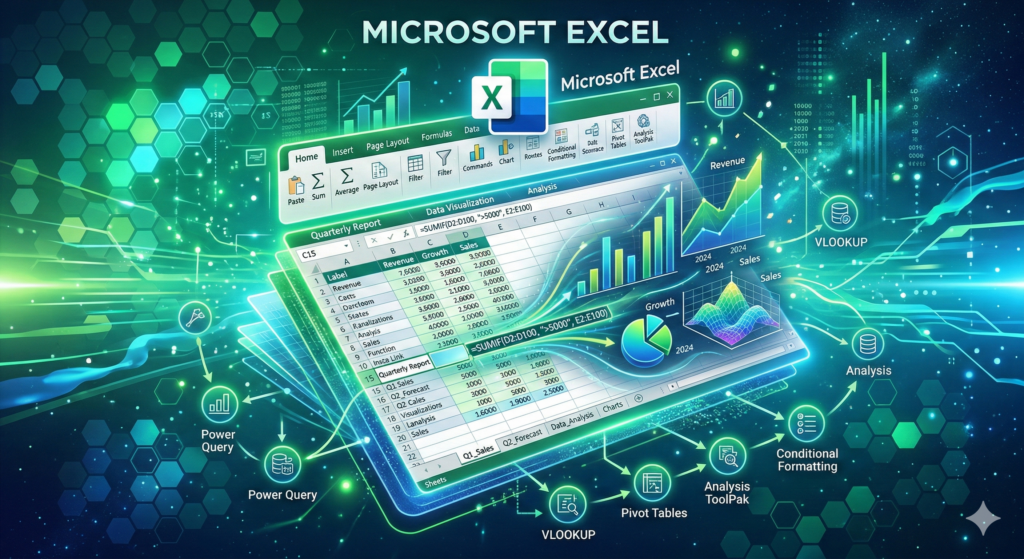
Microsoft Excel remains one of the most widely used data analysis tools in the world. Its combination of accessibility, powerful formulas, and built-in visualization features makes it a foundational platform for students and professionals.
Excel allows users to organize large datasets and perform a wide range of calculations. Users can build formulas, create pivot tables, and generate visualizations that help explain trends and patterns in data.
One of Excel’s greatest strengths is its flexibility. It can be used for everything from simple budgeting spreadsheets to complex analytical models.
Common use cases include:
- survey data analysis
- descriptive statistics
- pivot table summaries
- financial modeling
- project management dashboards
Excel also includes tools for creating many common data visualization types, including:
Because of its widespread adoption across industries, Excel remains one of the most valuable skills for students and professionals in fields such as integrated marketing communications, public relations, business analytics, and communication research.
Google Sheets
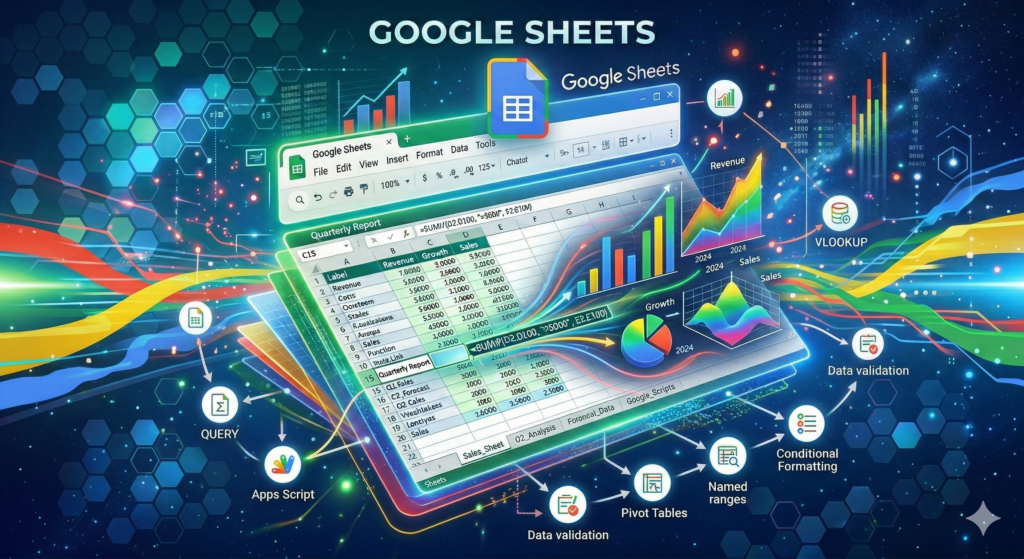
Google Sheets is a cloud-based spreadsheet platform that provides many of the same capabilities as Excel while emphasizing collaboration and accessibility.
Because the platform operates entirely online, multiple users can edit the same spreadsheet simultaneously. This makes it especially useful for team-based research projects and collaborative data analysis.
Google Sheets includes tools for:
- data cleaning
- pivot tables
- chart creation
- basic statistical analysis
- collaborative dashboards
The platform integrates seamlessly with other Google services, including Google Forms. As a result, many students use Sheets to analyze survey research data collected through online questionnaires.
Charts created in Google Sheets can include:
- line charts
- scatter plots
- column charts
- area charts
- combo charts
For beginners learning data visualization and research analysis, Google Sheets offers an accessible starting point.
Tableau
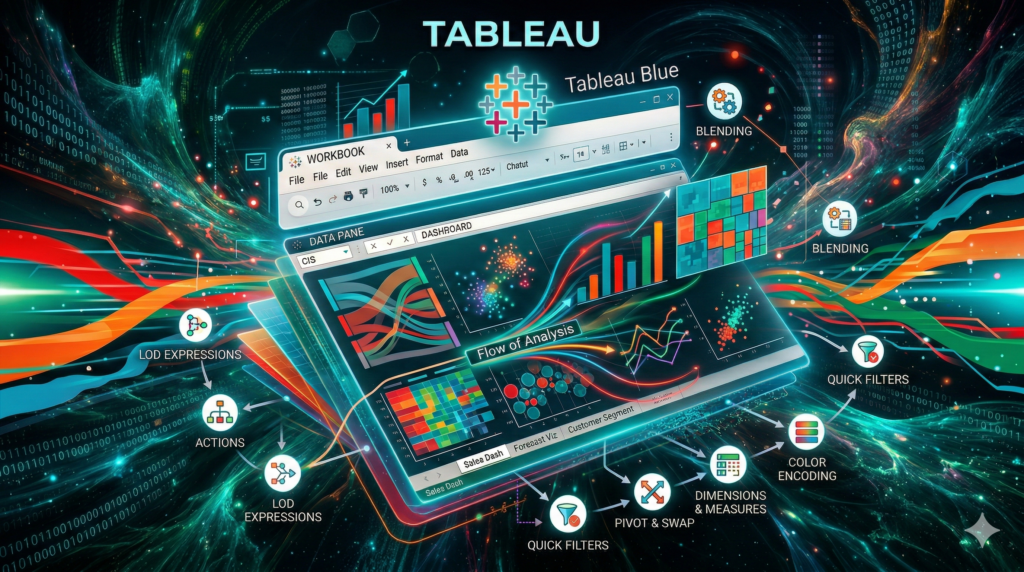
Tableau is one of the most powerful and widely used data visualization tools available today. It allows users to transform raw datasets into interactive dashboards and compelling visual stories.
Unlike spreadsheet tools, Tableau focuses specifically on visualization. Users can drag and drop variables to create charts and instantly explore patterns within their data.
Common visualizations created in Tableau include:
- scatter plots
- heat maps
- treemaps
- geographic maps
- dashboards combining multiple charts
The platform is widely used in business intelligence, marketing analytics, and strategic communication reporting.
Tableau is especially useful when presenting complex data to decision-makers. Interactive dashboards allow viewers to filter data, explore categories, and identify insights in real time.
For students studying data visualization design, Tableau provides an excellent environment for building professional-quality graphics.
Microsoft Power BI
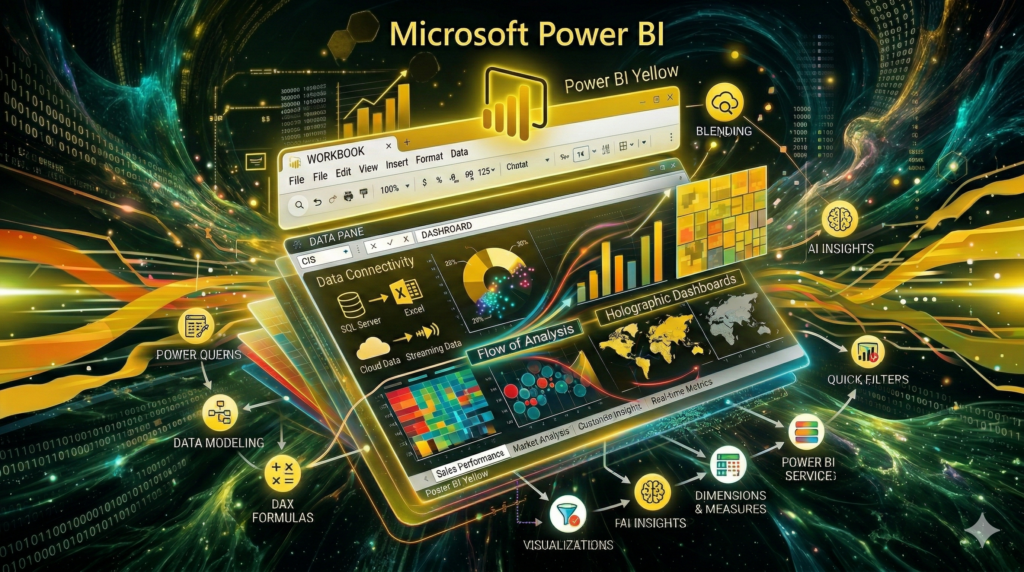
Power BI is Microsoft’s business intelligence platform designed to help organizations analyze data and share insights through interactive reports.
The platform connects to a wide range of data sources, including spreadsheets, databases, and cloud services. Once data is imported, users can build dashboards that display key performance indicators and analytical insights.
Power BI excels at creating:
- interactive dashboards
- business performance reports
- marketing analytics visualizations
- operational analytics summaries
Charts supported by Power BI include:
- bar and column charts
- scatter plots
- waterfall charts
- tree maps
- KPI indicators
For organizations using Microsoft tools, Power BI integrates smoothly with Excel and other Microsoft services.
Students studying business analytics, marketing research, and data-driven communication strategy often use Power BI to present findings from research projects.
Python
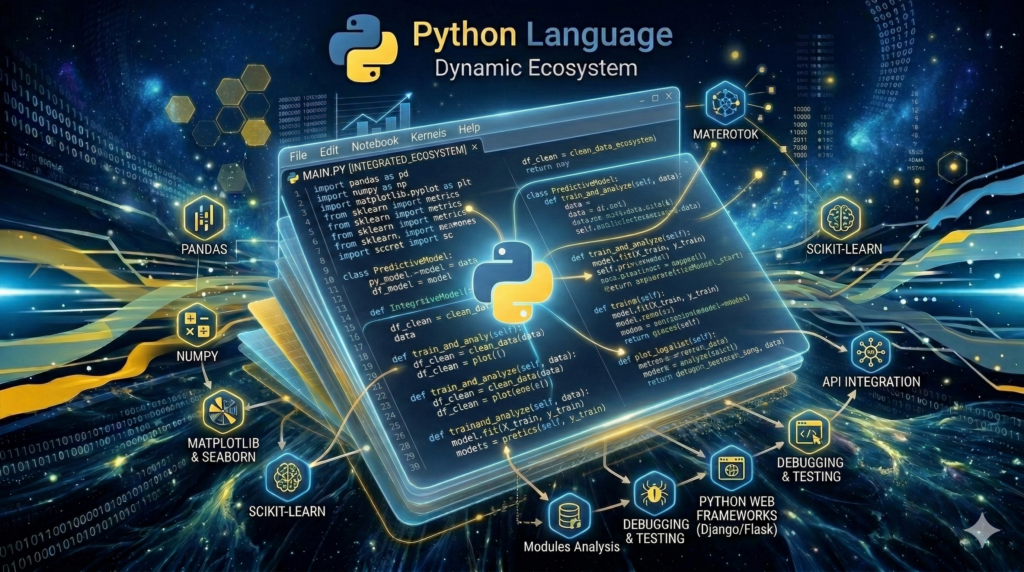
Python has become one of the most important programming languages in modern data analysis. Its flexibility and extensive libraries allow analysts to perform everything from statistical modeling to machine learning.
Python is commonly used for:
- data cleaning and preprocessing
- statistical analysis
- predictive modeling
- natural language processing
- machine learning applications
Several powerful libraries make Python especially useful for data work, including:
- Pandas for data manipulation
- NumPy for numerical calculations
- Matplotlib and Seaborn for data visualization
- Scikit-learn for machine learning
Python is widely used in fields such as data science, artificial intelligence, digital marketing analytics, and social media analysis.
For students pursuing careers in analytics, learning Python opens the door to advanced research and automation.
R
R is a programming language designed specifically for statistical analysis and data visualization.
The platform is widely used in academic research, social science studies, and applied statistics. Researchers use R to run complex statistical models, analyze experimental results, and visualize large datasets.
R includes powerful packages such as:
- ggplot2 for data visualization
- dplyr for data manipulation
- tidyr for data cleaning
With these tools, analysts can produce highly customized charts and graphics.
R is particularly popular among researchers conducting:
- survey analysis
- regression modeling
- experimental research
- statistical inference studies
For students studying research methods or applied communication research, R provides advanced capabilities beyond traditional spreadsheet tools.
SPSS
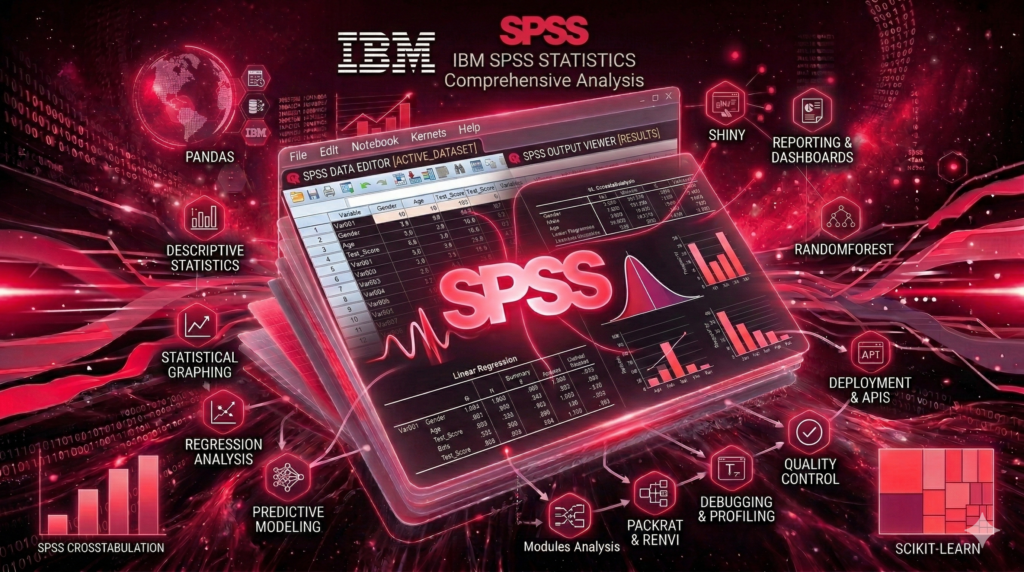
SPSS (Statistical Package for the Social Sciences) is one of the most widely used statistical analysis programs in universities.
Unlike programming languages like R or Python, SPSS uses a graphical interface that allows users to run statistical tests without coding.
Researchers frequently use SPSS for:
- survey research analysis
- regression analysis
- hypothesis testing
- ANOVA tests
- correlation analysis
Because of its structured workflow, SPSS is commonly taught in courses focused on research methods, quantitative analysis, and social science statistics.
Many students encounter SPSS when conducting projects involving survey design, questionnaire analysis, and descriptive statistics.
Datawrapper
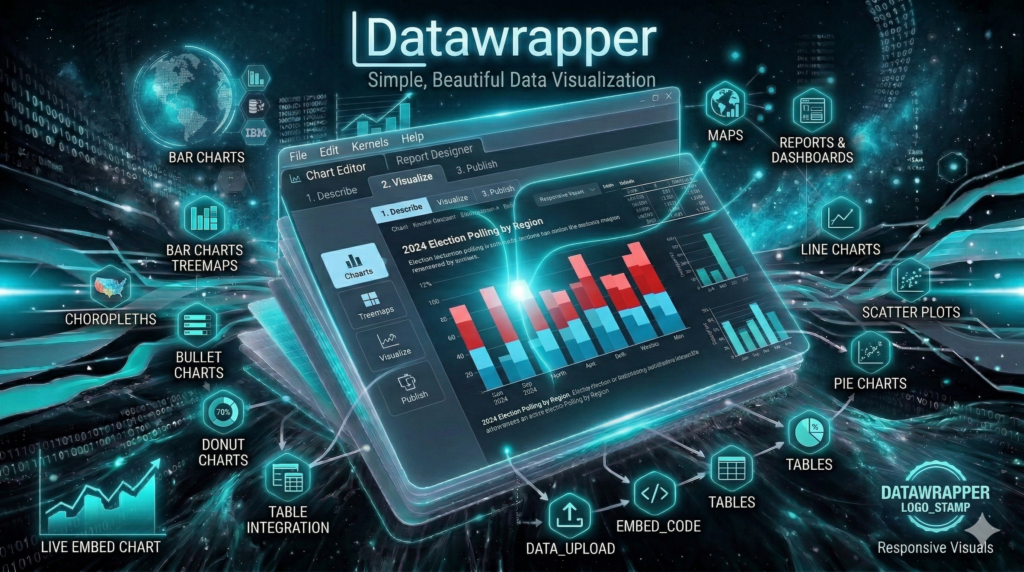
Datawrapper is a visualization platform designed specifically for creating clear and professional charts.
The tool is widely used by journalists and communication professionals because it allows users to quickly build visualizations that can be embedded online.
Charts commonly created with Datawrapper include:
One of Datawrapper’s strengths is its focus on clarity and readability, making it ideal for storytelling and public communication.
Students learning data visualization design principles can use Datawrapper to produce clean, effective graphics for presentations and research reports.
Looker Studio
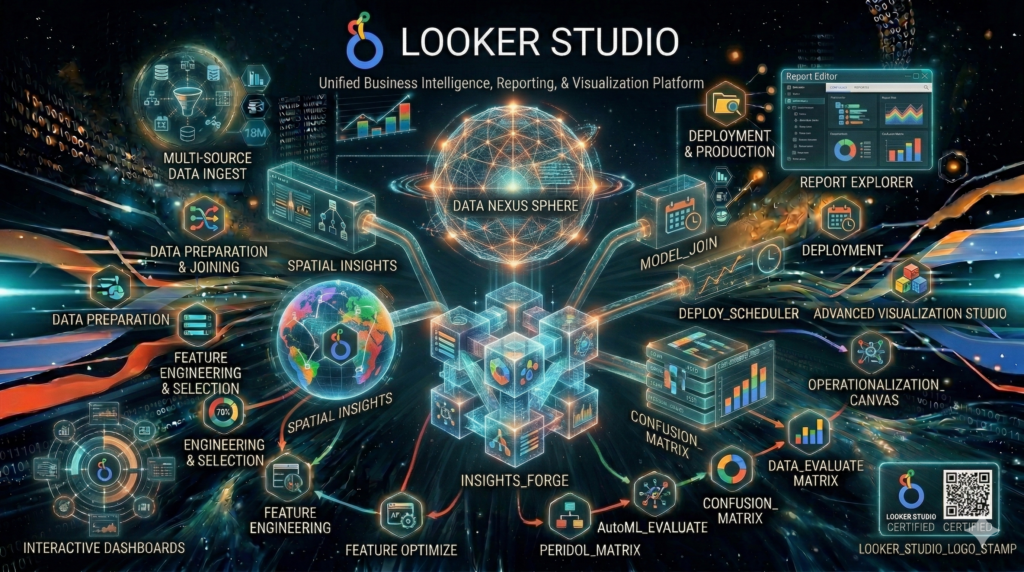
Looker Studio (formerly Google Data Studio) is a free tool for building dashboards and interactive reports.
The platform allows users to connect multiple data sources, including:
- Google Analytics
- Google Sheets
- marketing databases
- advertising platforms
Once connected, Looker Studio allows users to create dashboards that display performance metrics and trends.
Common dashboard features include:
- charts and graphs
- scorecards
- filters
- geographic maps
Marketing teams and digital strategists frequently use Looker Studio to monitor campaign performance and evaluate communication strategies.
Alteryx
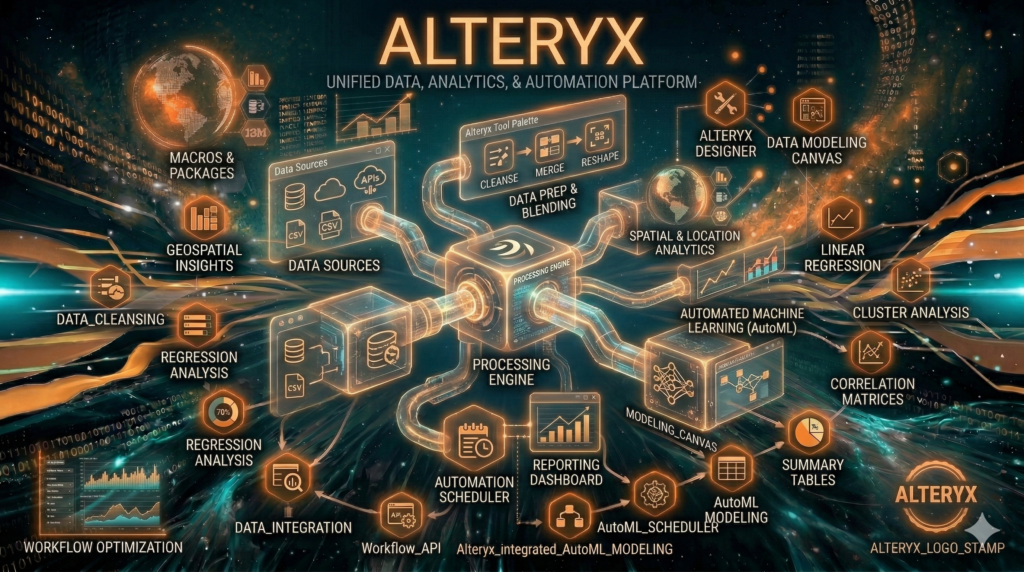
Alteryx is a powerful analytics platform that focuses on data preparation, automation, and advanced analytics.
The platform allows users to combine datasets from multiple sources, clean data, and run advanced analyses using a visual workflow interface.
Common uses include:
- predictive analytics
- marketing segmentation
- data preparation and cleaning
- automation of analytical workflows
Alteryx is widely used in organizations that manage large datasets and require repeatable analytical processes.
KNIME
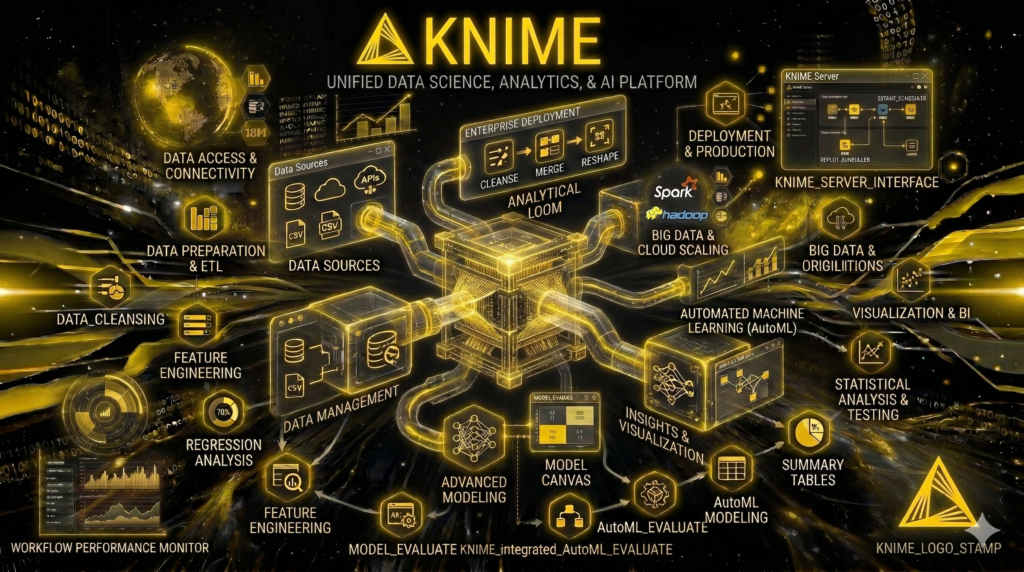
KNIME is an open-source data analytics platform that enables users to create analytical workflows using a visual interface.
The platform allows analysts to build pipelines for:
- data cleaning
- machine learning
- predictive analytics
- text analysis
KNIME is especially useful for students interested in data science and advanced analytics because it provides powerful capabilities without requiring extensive programming.
RapidMiner
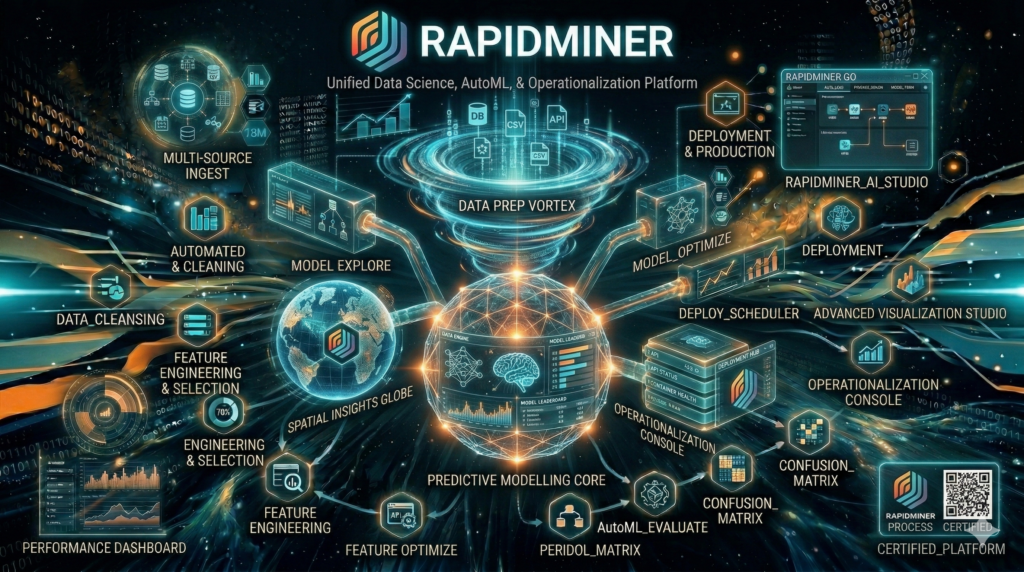
RapidMiner is another analytics platform focused on machine learning and predictive modeling.
The platform enables users to build analytical workflows that automate tasks such as:
- data preprocessing
- model training
- predictive analytics
- data mining
RapidMiner is widely used in data science education and advanced analytics research.
How to Choose the Right Data Analysis Tool
Selecting the right tool depends on several factors.
Dataset Size
Small datasets often work well in spreadsheets. Larger datasets may require specialized analytics platforms or programming tools.
Technical Skill Level
Beginners may prefer tools with graphical interfaces such as Excel, Tableau, or SPSS. Advanced analysts may benefit from programming tools like Python or R.
Visualization Needs
If the goal is to create compelling data visualizations, tools like Tableau, Power BI, and Datawrapper offer powerful design capabilities.
Collaboration Requirements
Cloud platforms such as Google Sheets and Looker Studio allow multiple users to collaborate in real time.
Budget Considerations
Many tools offer free versions or academic licenses that are ideal for students.
Data Analysis Tools for Different Users
Tools for Students
Students often benefit from tools that are easy to learn and widely used in academic settings.
Common choices include:
- Excel
- Google Sheets
- SPSS
- Datawrapper
These tools support assignments involving survey analysis, descriptive statistics, and basic data visualization projects.
Tools for Researchers
Researchers often need advanced statistical capabilities.
Popular options include:
- R
- Python
- SPSS
- SAS
These tools allow researchers to conduct sophisticated analyses and publish findings in academic journals.
Tools for Marketing and Communication Professionals
Professionals working in marketing analytics, public relations research, and strategic communication planning often rely on tools such as:
- Tableau
- Power BI
- Looker Studio
- Excel
These platforms support campaign performance analysis, audience segmentation, and data storytelling.
Final Thoughts
Data analysis tools play an essential role in modern decision-making. Whether you are a student conducting a research project, a marketer analyzing campaign performance, or a business leader evaluating strategic initiatives, the right tool can transform raw numbers into meaningful insights.
Learning to work with these tools also strengthens critical professional skills, including data literacy, statistical reasoning, and data visualization design.
As organizations continue to rely on data-driven strategies, professionals who understand data analysis, data visualization, and research methods will remain in high demand.
By exploring the tools in this guide, students and professionals can begin building the analytical capabilities needed to interpret data, communicate insights, and support effective decision-making.
Related Articles
You may also find these resources helpful:
- Types of Data Visualization Charts
- How to Design Effective Bar Charts
- Survey Research Methods
- Data Visualization Best Practices
These topics expand on the skills needed to turn data into clear, persuasive insights through effective analysis and visualization.
*Content on this page was curated and edited by expert humans with the creative assistance of AI.