
Flowchart: How to Show Processes, Decisions, and Sequences
A flowchart helps visualize how a process unfolds from start to finish. Use it to map steps, decisions, and pathways so complex systems become easier to understand at a glance.
Turn to a flowchart when structure and sequence matter. Rather than describing a process in paragraphs, this visual shows how actions connect, where decisions occur, and how outcomes branch or converge.
What a Flowchart Is
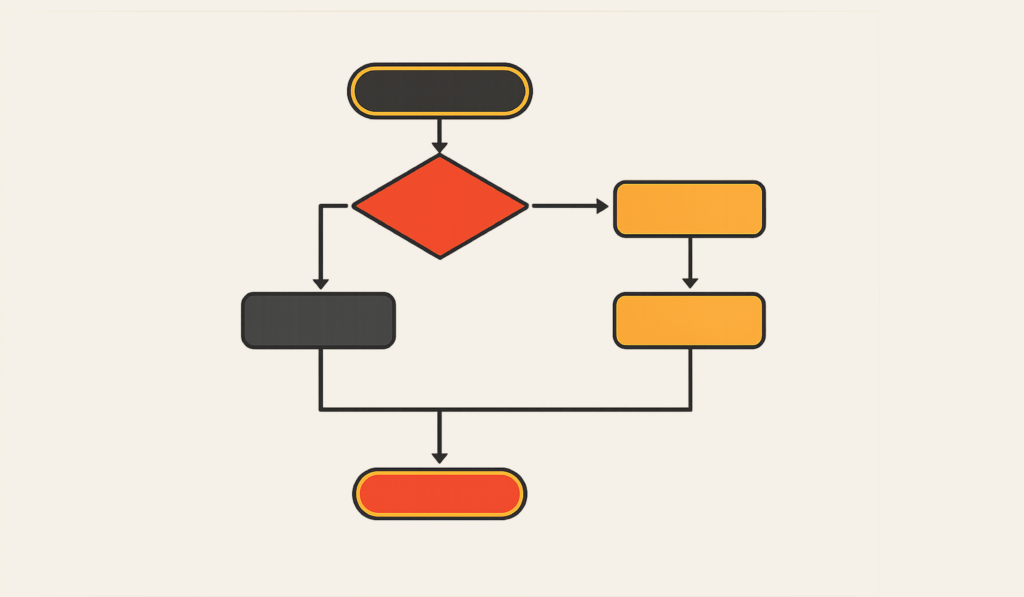
A flowchart is a diagram that represents a process using shapes connected by lines or arrows. Each shape communicates a specific function, helping viewers follow the logic step by step.
Common elements include:
- Rectangles for actions or tasks
- Diamonds for decisions or branching points
- Arrows showing direction and sequence
- Start and end points that frame the process
Flowcharts emphasize logic and progression, making them especially useful for explaining systems that involve multiple steps or conditions.
When to Use a Flowchart
Use a flowchart when clarity around sequence or decision-making is essential.
This visual works especially well when the goal is to:
- Explain workflows or procedures
- Map decision trees
- Outline onboarding or training steps
- Document processes for consistency
- Troubleshoot or diagnose problems
- Teach complex systems in a simplified way
A flowchart works best when the purpose is to show how actions lead to outcomes.
Types of Data Sets That Work Best for a Flowchart
Flowcharts work best with structured processes rather than numerical datasets.
Strong candidates include:
- Operational workflows
- Customer or user journeys
- Troubleshooting guides
- Approval or review processes
- Instructional or training pathways
- Algorithms or logical sequences
Each step should connect logically to the next, forming a clear progression from beginning to end.
Real-World Examples of a Flowchart
Flowcharts appear in business, education, engineering, healthcare, and design whenever processes need to be clarified.
Customer Support or Troubleshooting Paths


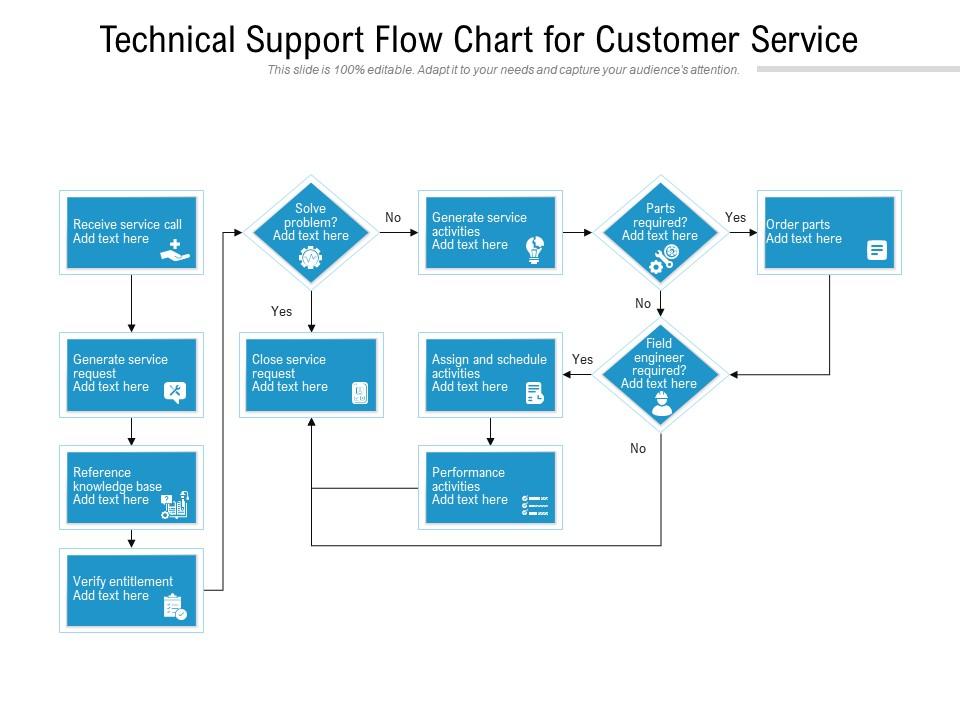
Guide users through questions and decisions that lead to solutions.
Business or Operational Workflows
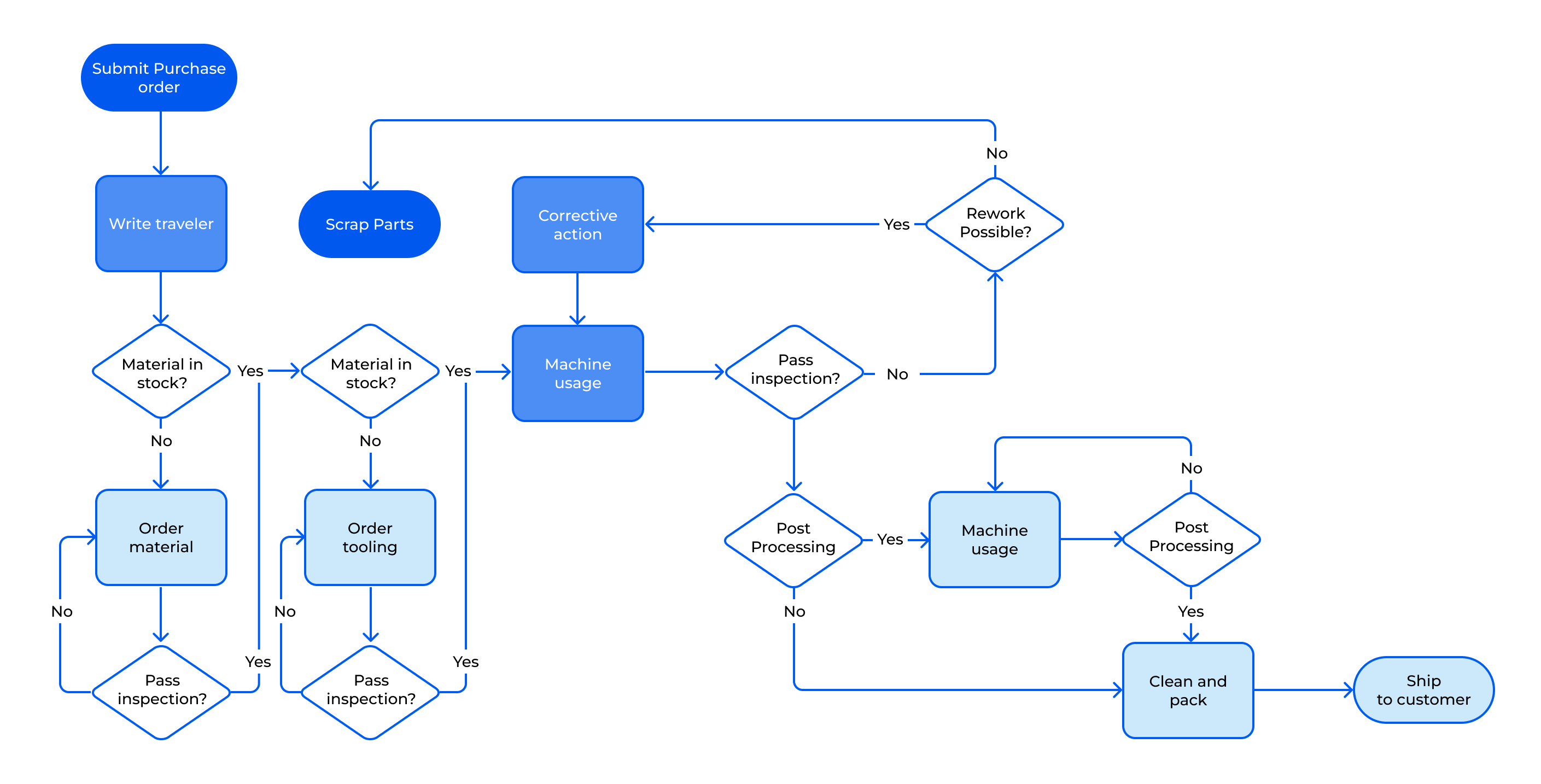
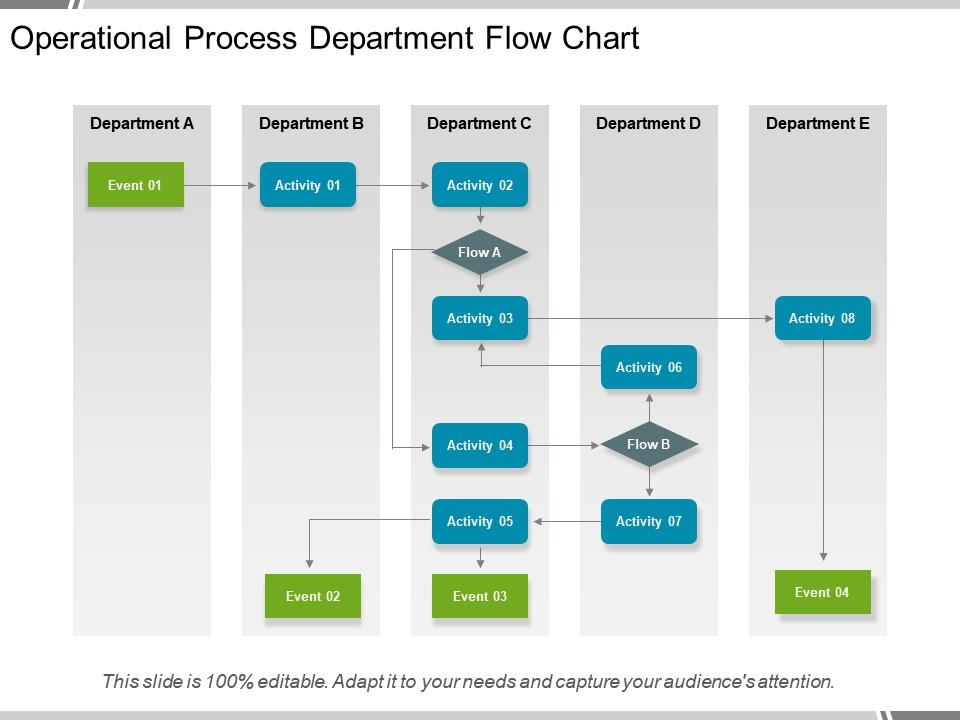
Map how tasks move between teams or stages within an organization.
Onboarding or Training Processes

Outline steps new participants follow from introduction to completion.
Software or Algorithm Logic

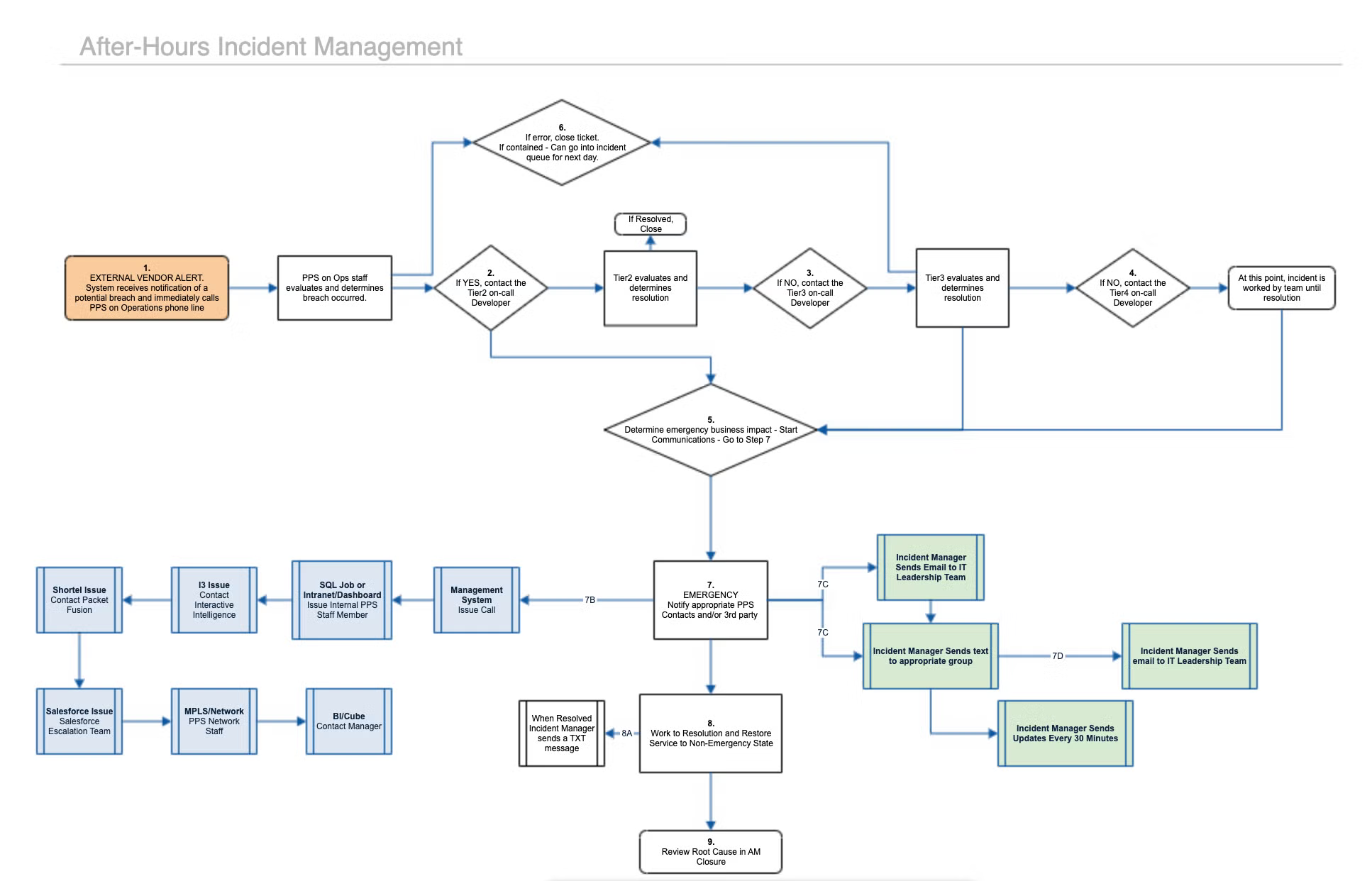
Show how decisions and conditions determine outcomes within a system.
Project Planning or Decision Trees
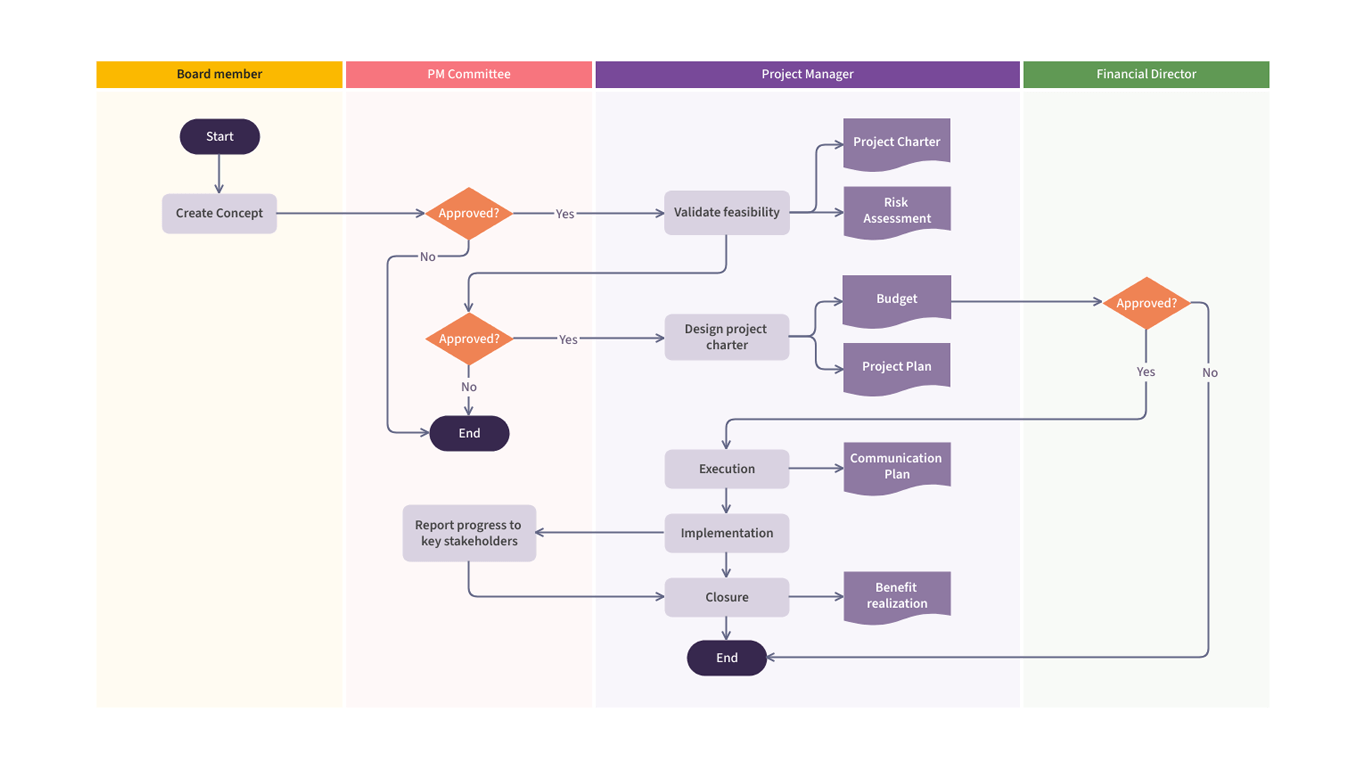


Visualize branching choices and planning paths within complex projects.
What to Avoid or Be Careful Of with a Flowchart
❌ Don’t overcrowd the diagram
Too many shapes or crossing lines make the process harder to follow.
❌ Don’t ignore standard conventions
Consistent shapes and arrows help viewers recognize meaning quickly.
❌ Don’t skip labeling
Every step and decision should be clearly described to avoid confusion.
❌ Don’t create unnecessary branches
Extra decision points can complicate the logic and distract from the main path.
❌ Don’t treat it as decoration
Flowcharts should clarify processes, not simply illustrate them aesthetically.
*Content on this page was curated and edited by expert humans with the creative assistance of AI.